For administrative staff and care home directors with every admission
Create a new admission,without typing papers.
The automation transfers master data from scanned documents, generates contract documents and prepares reports. You handle contract interview, signatures and dispatch.
- Care level
- 3, valid from 1 Dec
- Cost unit
- Care insurance and self-payer
- Documents
- 5 of 7
- Insured data and care level transferred
- Care home contract with attachments generated
- Admission notification to care insurance prepared
- Check power of attorney, confirm cost allocation
Waiting for your review
What we often hear from nursing home management and administrative staff
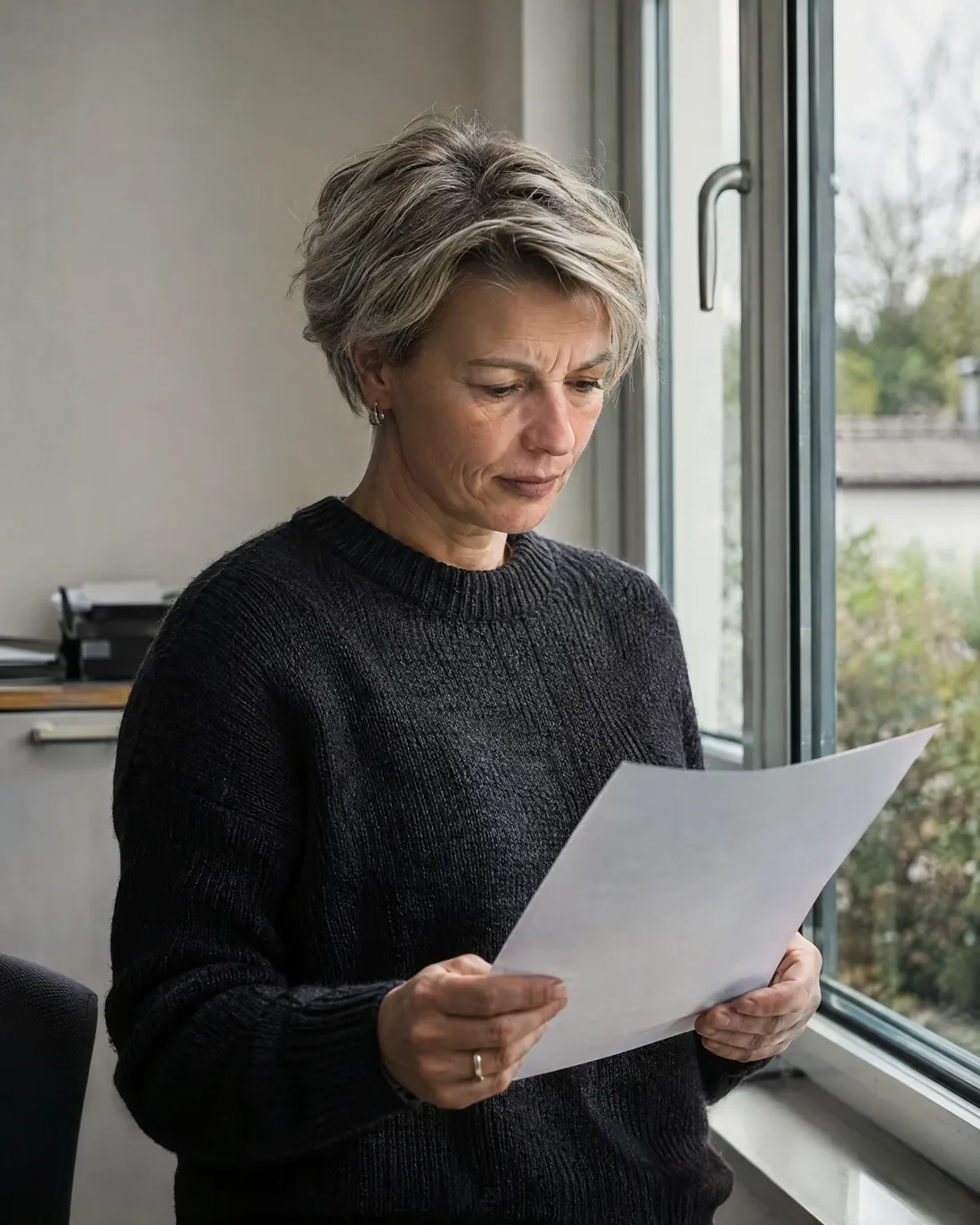
“An admission often comes on short notice, after a hospital discharge or a call from relatives. Then care level notice, insurance card, power of attorney, and medication plan are on paper in front of us.
We create the person, enter relatives, guardian, family doctor, and the cost allocation, generate the contract, and report the admission to the insurance, family doctor, and pharmacy, each by its own path.
We've designed an admission form for relatives, kept a checklist for missing papers and built contract templates.
The form comes back handwritten and still has to be typed. The checklist is next to the software, not in it.
And while we type, the family waits for the conversation.
Now the automation transfers the data from the scans, generates the documents and prepares the notifications. We check IDs, powers of attorney and cost allocation ourselves, and we send.”
The case in brief
The situation
At every admission, documents come on paper, by phone and from the hospital. Administration wants to create the person quickly and correctly and inform all parties. Multiple recipients with different channels make this manual work every time.
What is often tried
- Admission form for relativesWhy it's not enough
Comes back handwritten and must be typed.
- Checklist for missing documentsWhy it's not enough
Sits beside the software and gets forgotten.
- Contract templatesWhy it's not enough
Save drafting work, not transferring the data.
What nutona offers
You describe the workflow in chat. nutona checks the automation for quality and security, operates it in EU cloud and shows every run with costs in dashboard. Failed steps are retried, errors reported. So every admission is created quickly, and your team reviews and sends.
Who does what
Automation takes over that
Transfer master data from scanned documents
Generate contract and attachments from templates
Prepare reports to care insurance, GP and pharmacy
Track missing documents
That remains with you
Contract discussion and signatures
Review of ID, power of attorney and guardianship documents
Confirm and send cost allocation
Does it work similarly for you?
Describe your workflow to us. We'll show you what the automation looks like for it.